
Features
Write, organise, find – at your own pace.
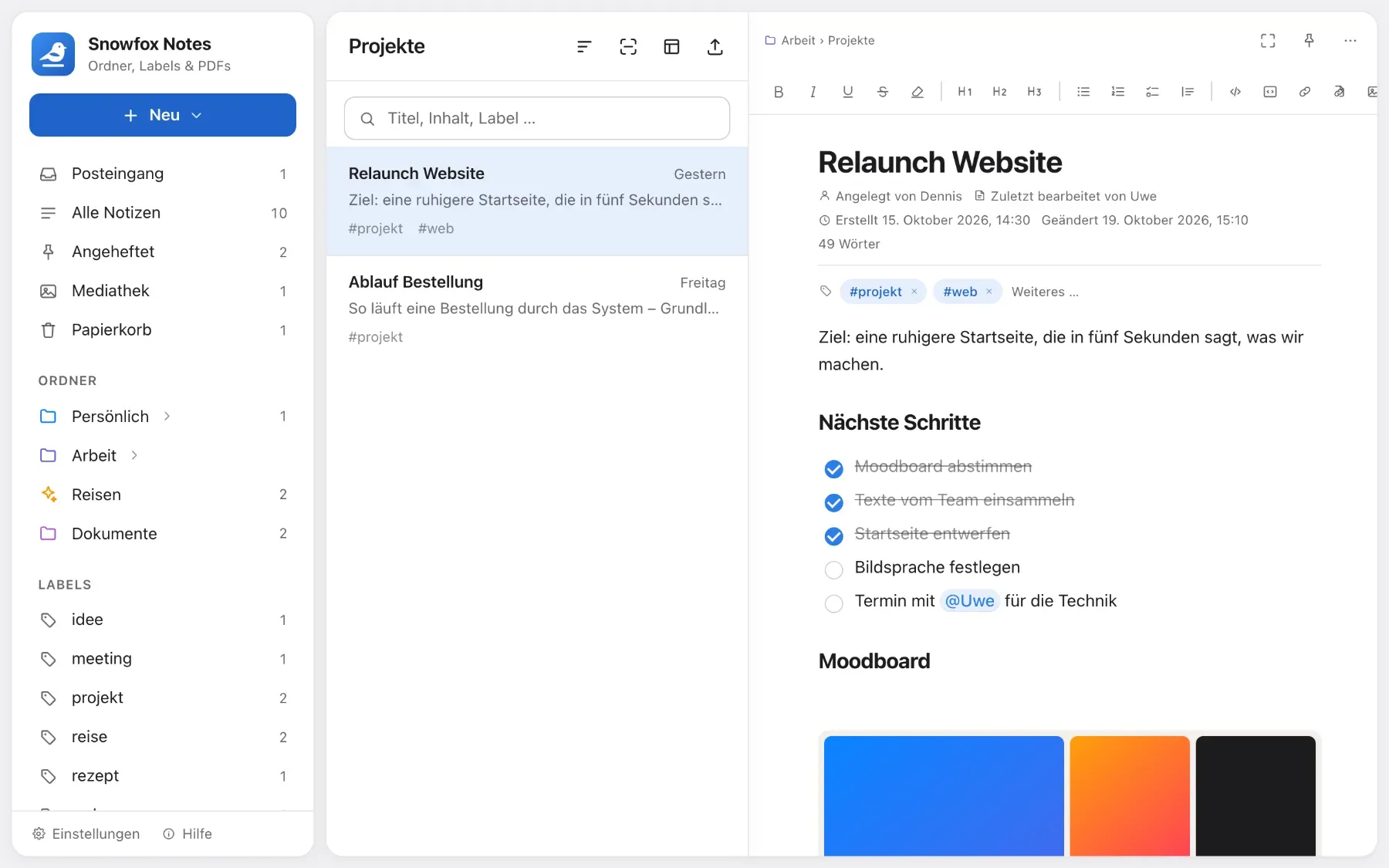
Snowfox Notes feels like a word processor, yet it has everything you need for notes, PDFs and research. Eight areas – each with its own page, pictures and every detail.

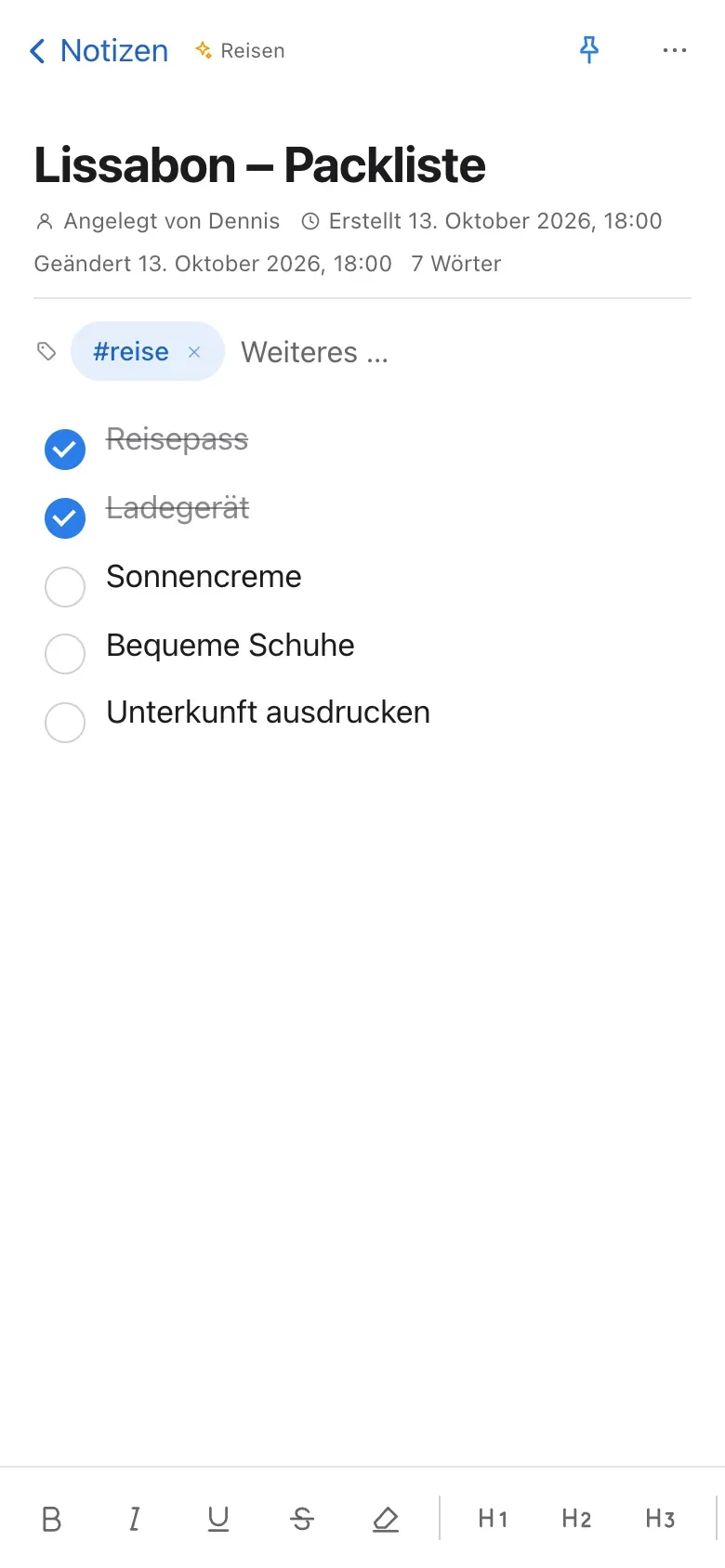
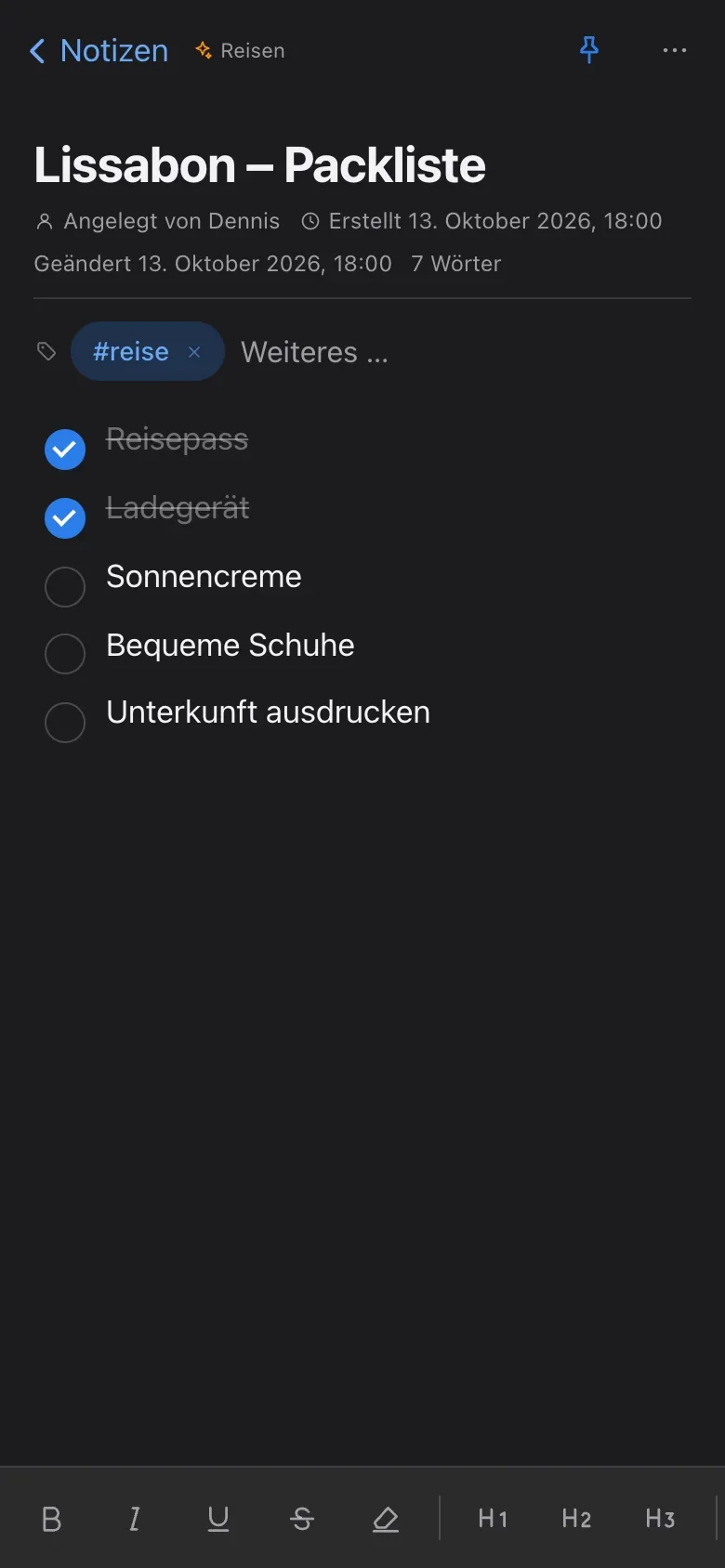
Eight areas
What Snowfox Notes can do.
Each area has its own page – with pictures, details, short how-tos and answers to common questions.
-

Editor
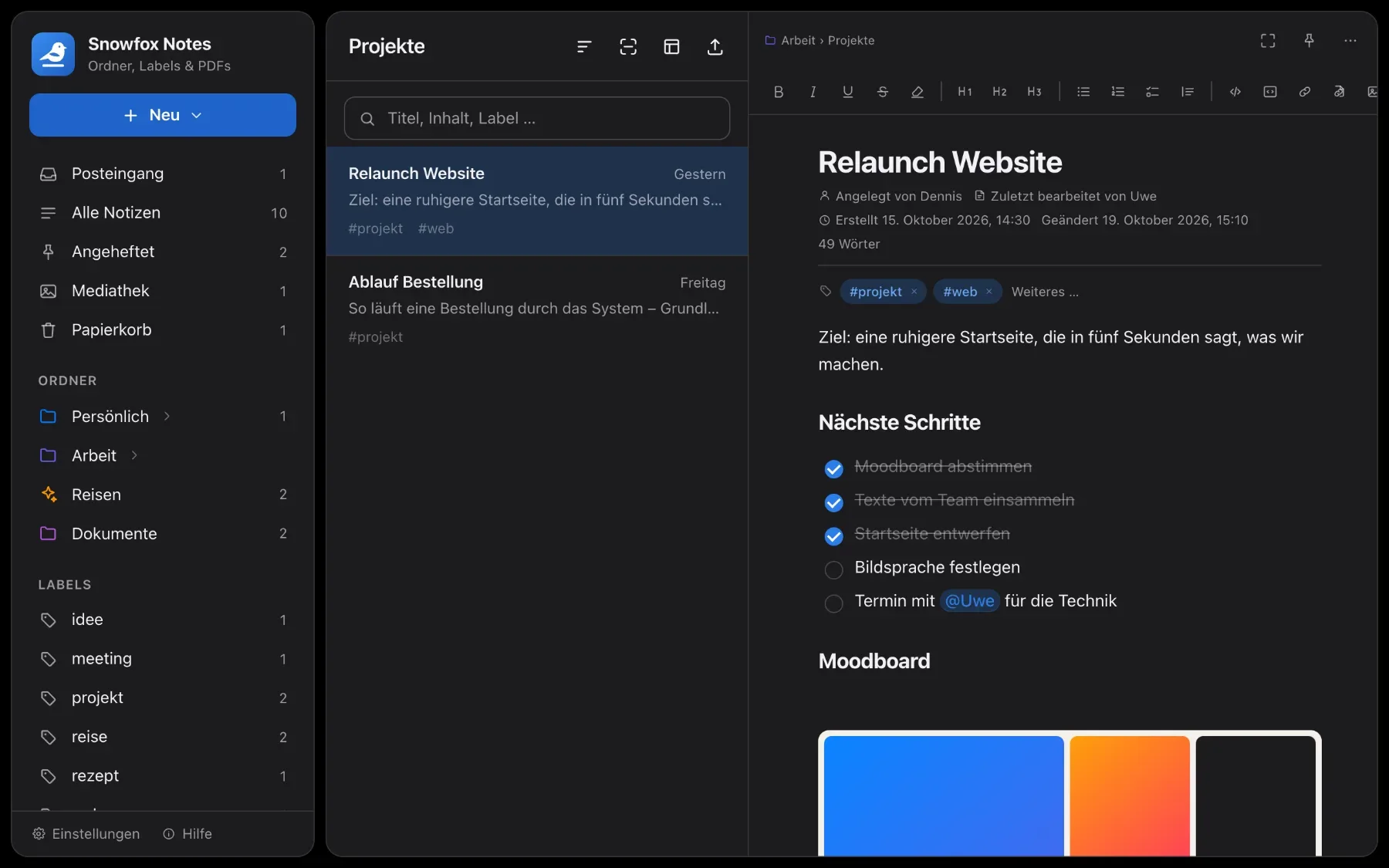
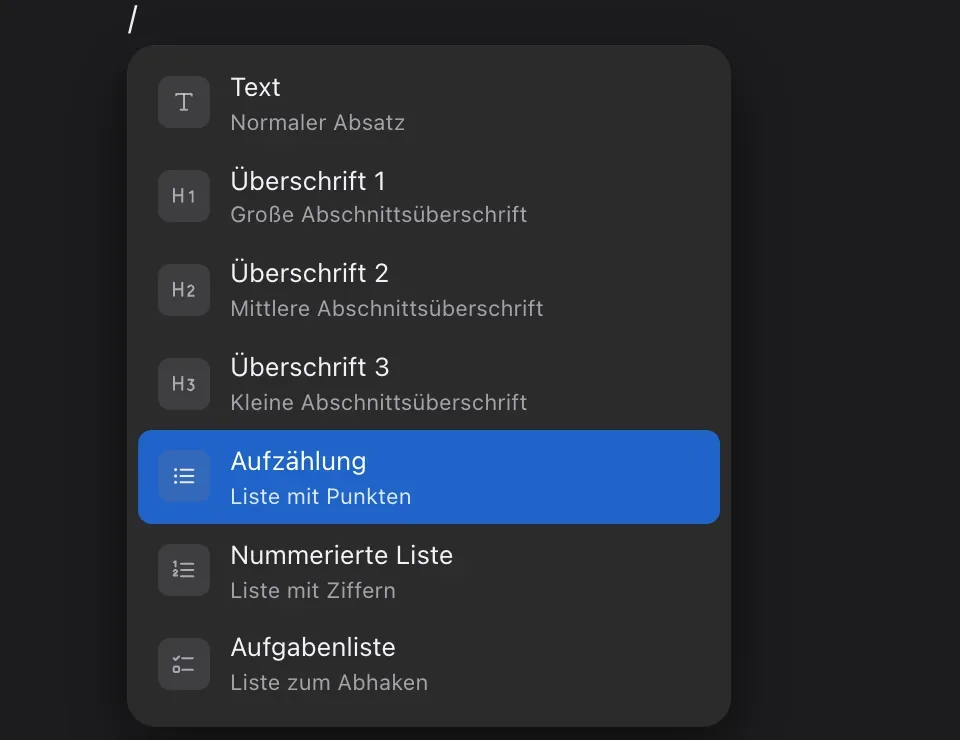
Write like in a word processor: headings, checklists, tables, images, attachments and diagrams – plus an appearance that suits you. 25 templates come free with the app at launch, and more are added step by step.
- “/” menu
- Tables
- Diagrams
- Templates
- Light & dark
-
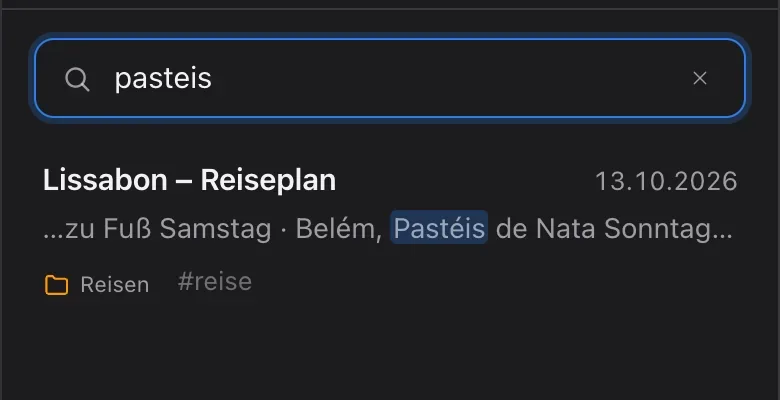
Organise & find
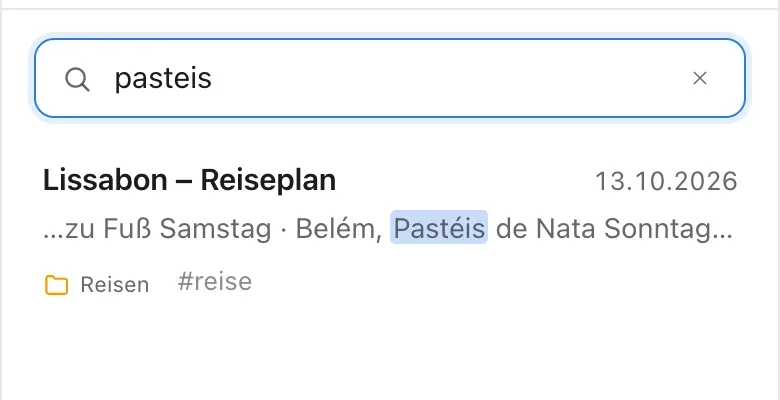
Folders and labels, links between notes and a search that finds as you type – in PDFs too.
- Folders
- Labels
- Links
- Search
-
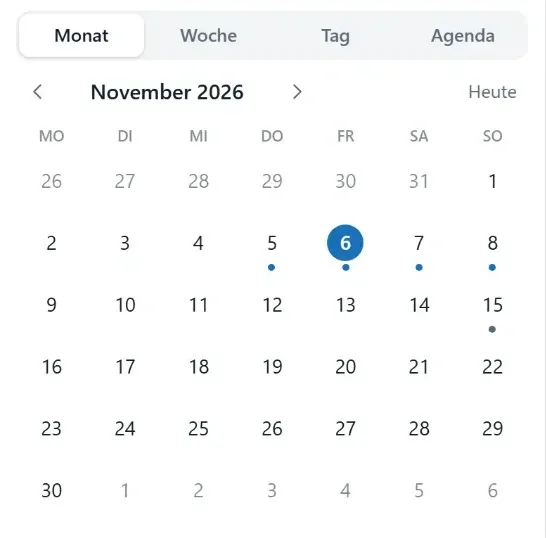
Calendar & tasks
Month, week, day and agenda. Give a note a date or a task a due date right in the text – plus daily notes and a reminder in the morning.
- Month & week
- Tasks with dates
- Daily notes
- Reminder
-
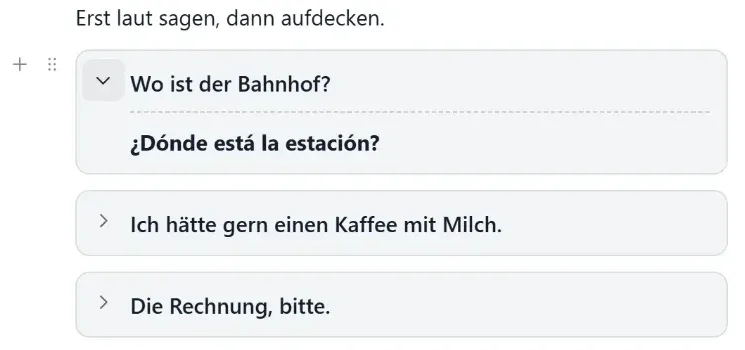
Learning
Reveal blocks work as flashcards. Learning templates put your next review in the calendar.
- Flashcards
- Learning templates
- Reviews
-
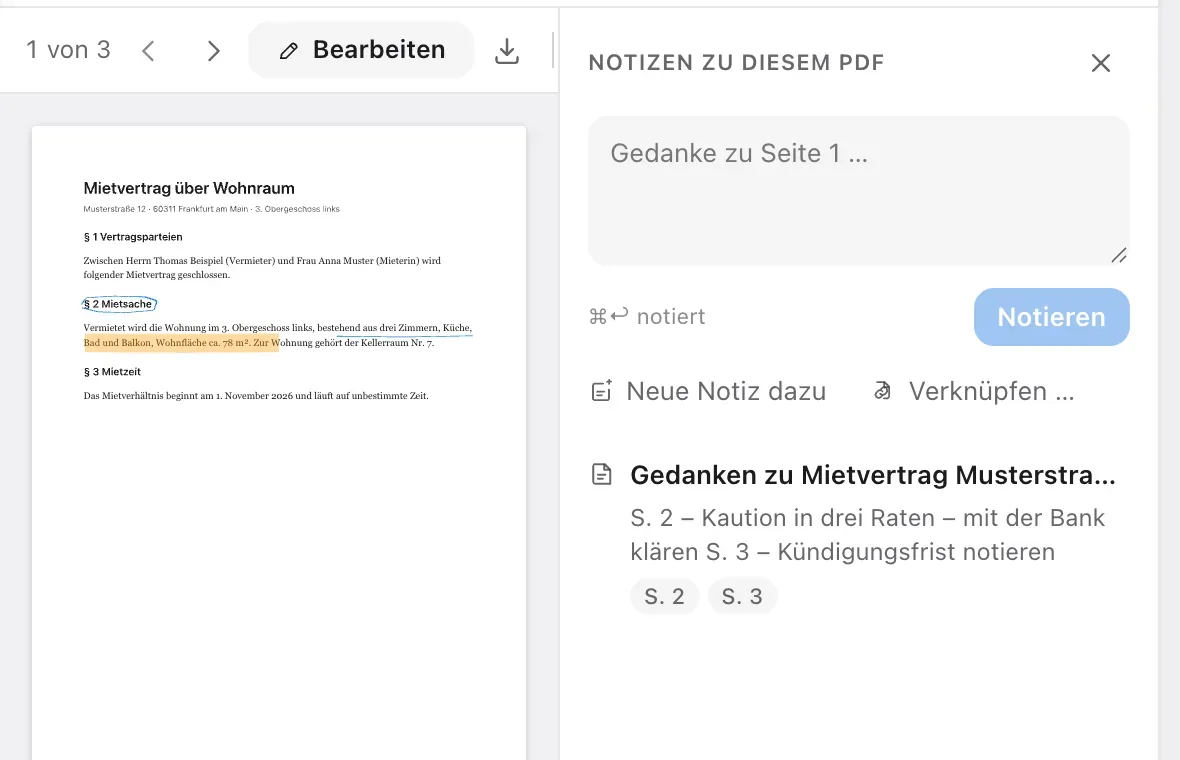
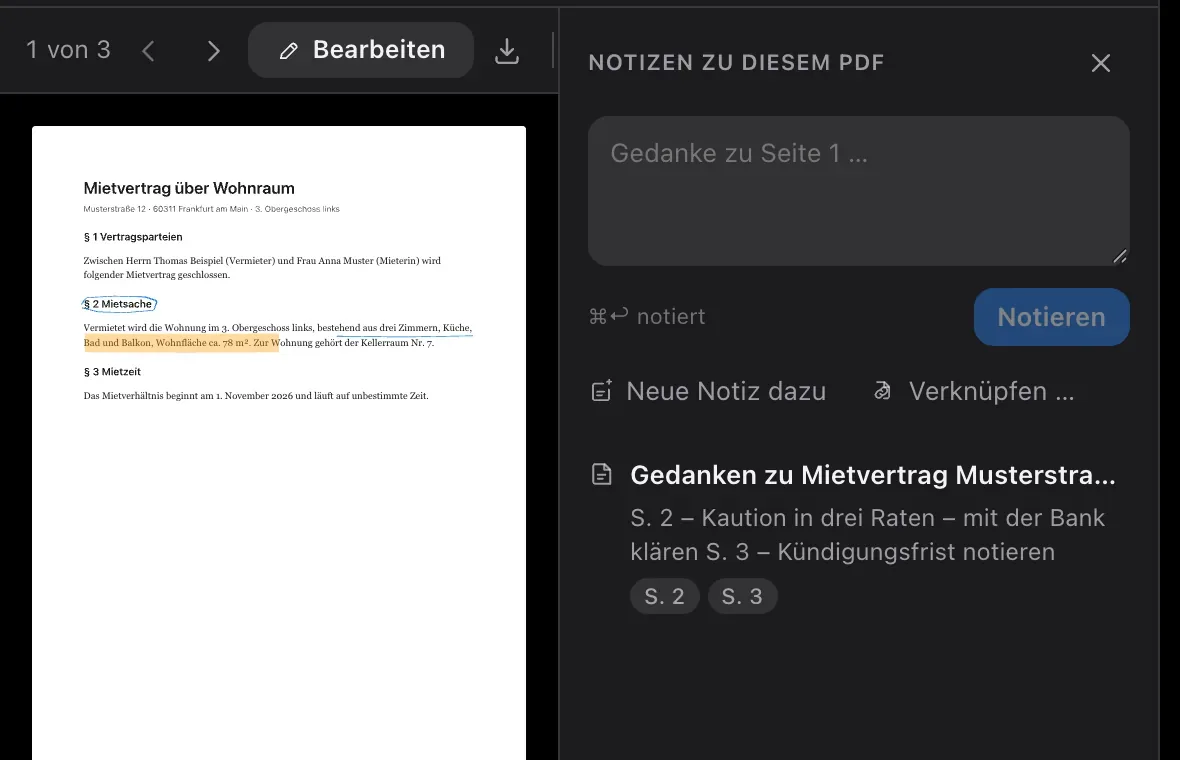
PDFs
Read PDFs, write and highlight on them, collect thoughts on every page – and search finds what’s inside.
- Pen
- Highlighter
- Comments
- Search in PDFs
-
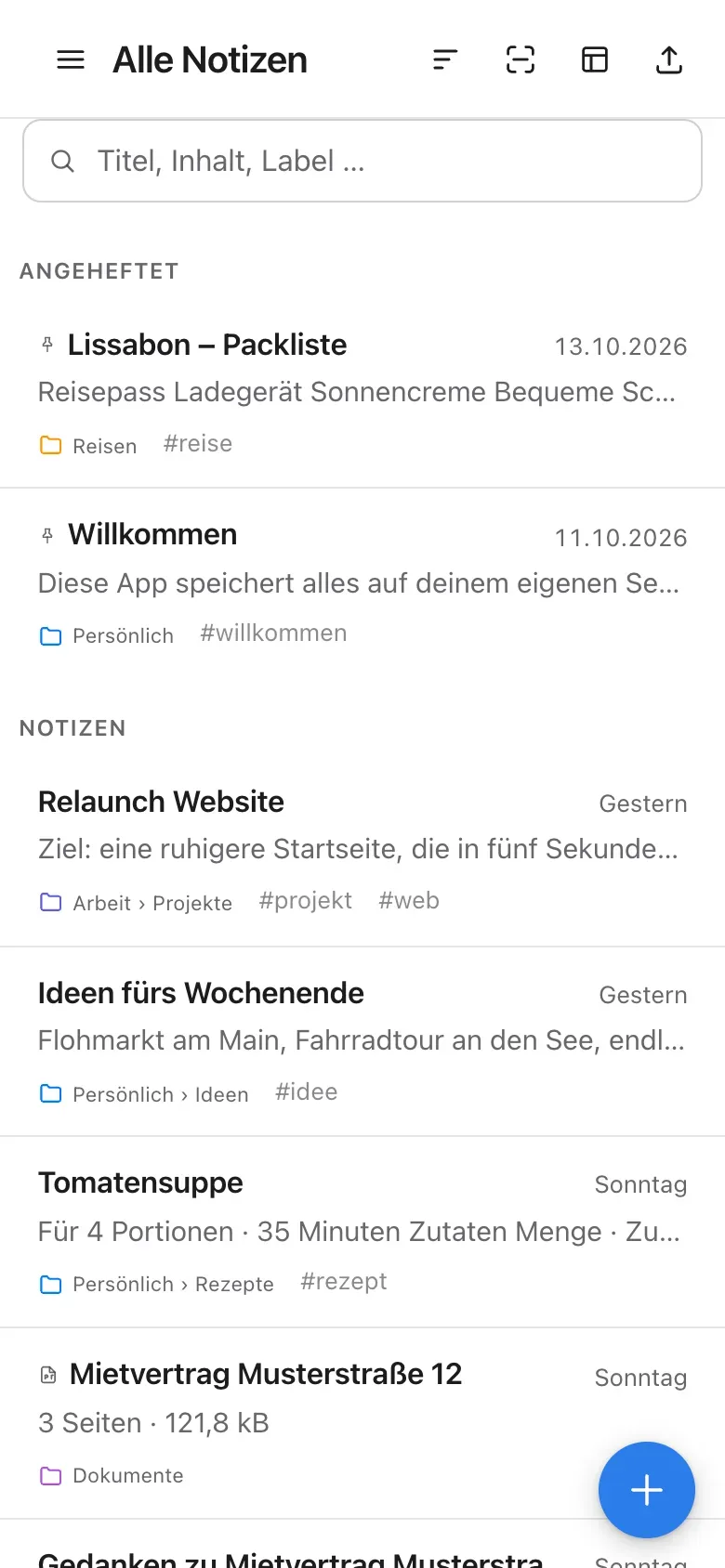
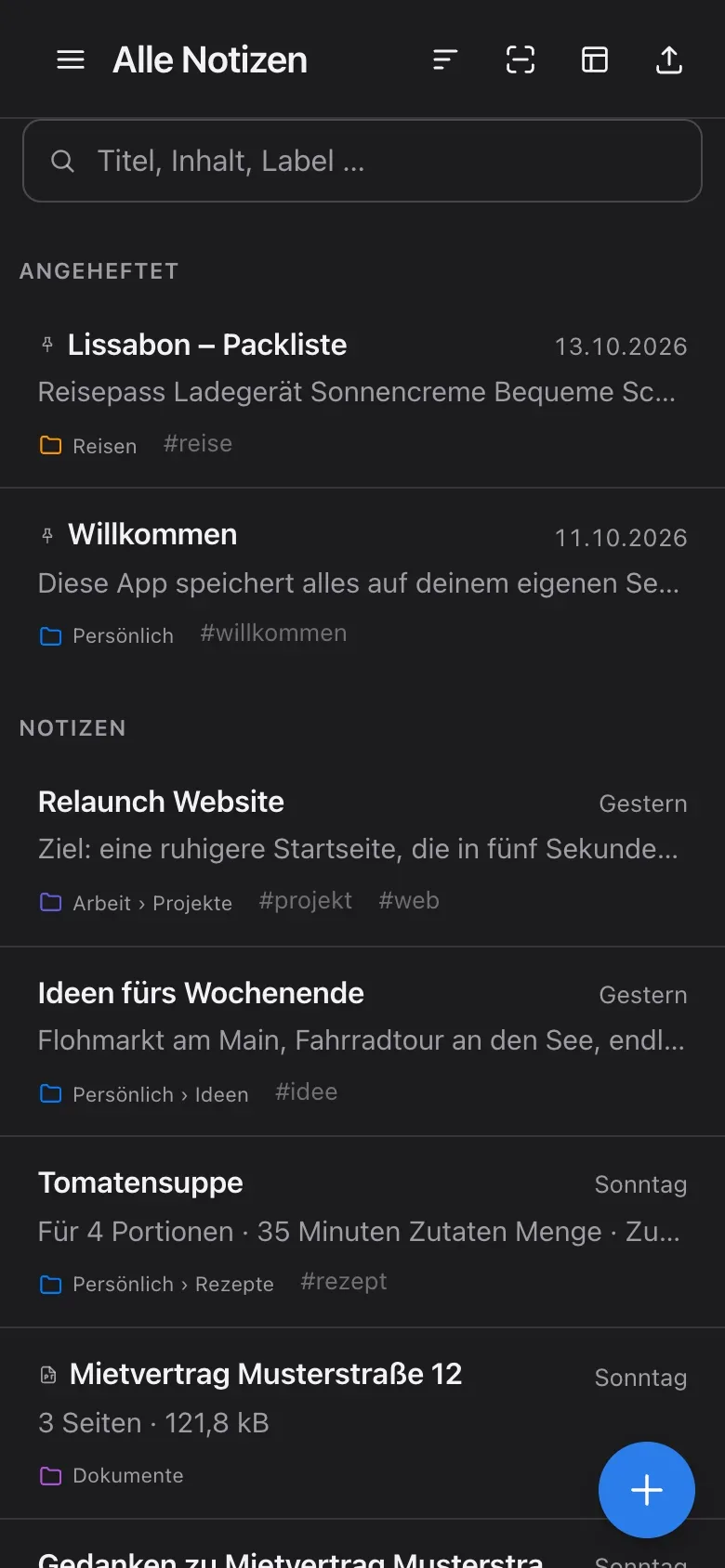
On the go & offline
On your phone you swipe between folders, list and note. As an app on your home screen – and offline for trains, planes and dead zones.
- Swipe
- Home screen
- Offline
- Sync
-
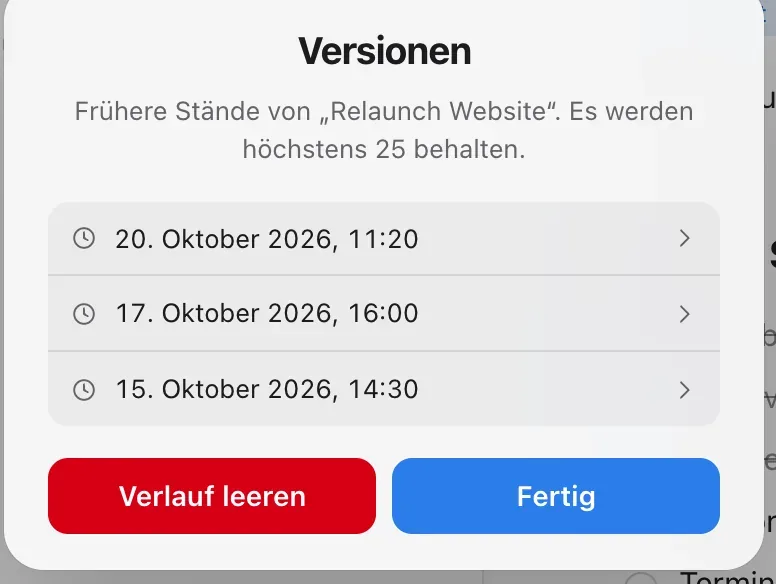
Data & sharing
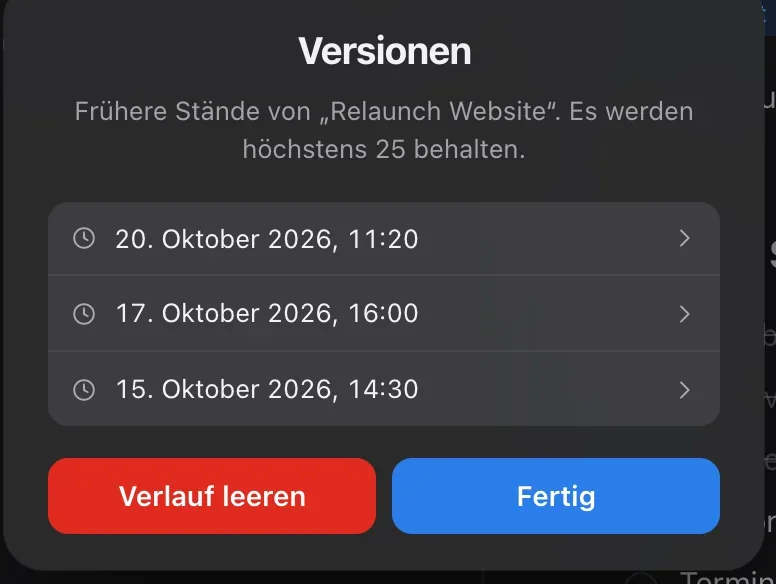
Folders for everyone, just for you or for chosen people. Move in from Obsidian, Notion and Evernote, up to 25 versions per note, two-factor sign-in and automatic backups.
- Sharing
- Import & export
- 25 versions
- Automatic backups
-
AI
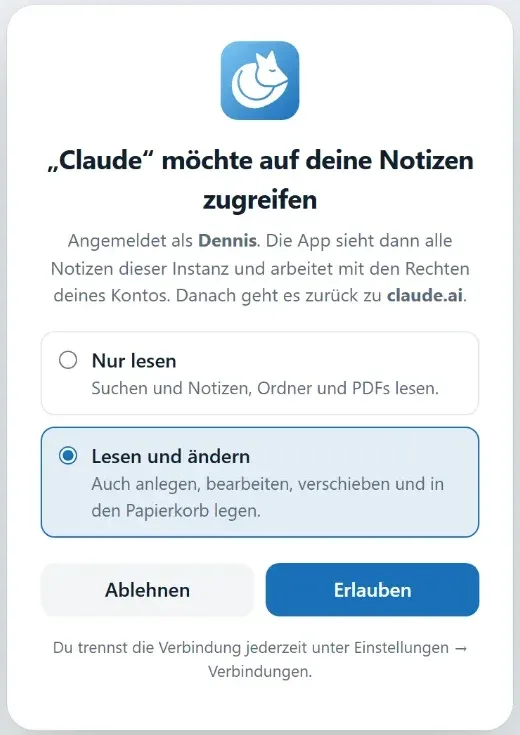
No built-in AI. Connect Claude, ChatGPT or a similar client to your notes via MCP – with your account’s rights.
- MCP
- Claude & ChatGPT
- Your choice
All features
Fifteen features at a glance.
Each feature leads to its area – where you’ll find how it works in detail.
-
An editor that stays out of the way
Headings, checklists, tables, images, attachments and diagrams. Type “/” and pick what you need.
Editor
-
Templates
25 templates in German and English come free with the app at launch, and more are added step by step. Plus your own – for single notes or whole folders. Placeholders like date and weekday fill themselves in.
Editor
-
Light and dark
Light and dark mode, your own accent colour, font and line width. Plus, for the whole instance, your own name, logo and CSS.
Editor
-
Folders & labels
Folders nested as deep as you like, with colours and icons. Labels across them. All drag and drop.
Organise & find
-
Search that finds
Searches titles, text, labels and PDFs as you type. Accents and case don’t matter: “mohre” finds “Möhre”.
Organise & find
-
Linked notes
Link to other notes with a shortcut. Rename a note and the links follow. Every note shows what links back to it.
Organise & find
-
Calendar and tasks
Month, week, day and agenda. Give a note a date or a task a due date right in the text. Plus daily notes and a reminder in the morning.
Calendar & tasks
-
Learning
Reveal blocks work as flashcards. Learning templates put your next review in the calendar.
Learning
-
PDFs you can write on
Read PDFs, write and highlight on them, pin comments – Apple Pencil included. The original stays untouched.
PDFs
-
Offline when you need it
Keep single notes, whole folders or everything on your device. What you write offline syncs back on its own.
On the go & offline
-
Share with others
Several accounts on one instance, with roles for admins, writers and readers. Share folders with everyone, just you or chosen people. Use @ to call someone into a note.
Data & sharing
-
Nothing gets lost
Earlier versions are saved automatically, up to 25 per note. Deleted items go to the trash first.
Data & sharing
-
Export and import
Move in from Obsidian, Notion and Evernote. Take everything with you as a Markdown folder or ENEX, single notes as Markdown or PDF.
Data & sharing
-
In safe hands
Two-factor sign-in and automatic backups, with an optional copy to a WebDAV folder.
Data & sharing
-
Your AI, if you want
Connect Claude, ChatGPT or a similar client to your notes via MCP. Without that connection, no AI ever sees your notes.
AI
Curious? Give it a try.
Snowfox Notes is free and open source. Download it and put it on your own web space – or let us host it for you from 1 December 2026.
Runs on any web space with PHP 8.4. No SSH needed.